
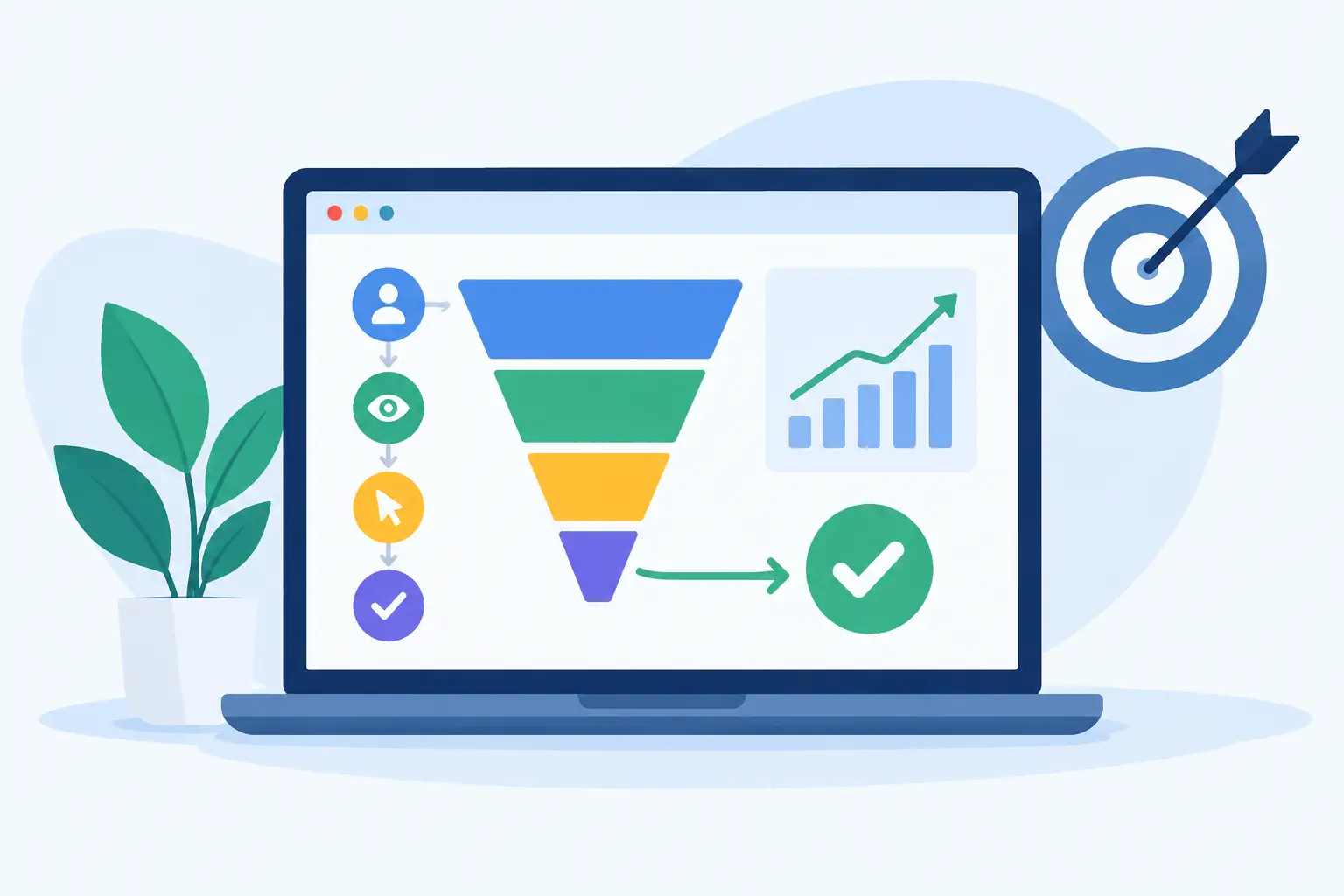
A website can look professional, load quickly and appear in Google searches, yet still leave you guessing about whether it brings in work. If you do not know which pages generate enquiries, calls or purchases, it is difficult to spend your marketing budget well. This guide to website conversion tracking explains how Fareham businesses can measure the actions that matter without turning their website into a technical project.
Conversion tracking is not about collecting figures for the sake of it. It gives you practical evidence: which service attracts interest, where visitors lose confidence, and whether a campaign is producing genuine opportunities rather than empty website traffic.
What counts as a website conversion?
A conversion is an action that moves a visitor closer to becoming a customer. For a local tradesperson, it may be a completed contact form or a tap on a mobile phone number. For a consultant, it could be a request for a callback. For an online shop, the obvious conversion is a completed order, but adding an item to the basket or reaching checkout can also be useful signals.
The right conversion depends on how your business sells. A plumber in Fareham will normally value a phone enquiry more highly than a newsletter sign-up. A startup testing a new service may want to measure brochure downloads and meeting requests while it builds awareness. The goal is to track actions with a clear commercial purpose, not every click a visitor makes.
A sensible starting point is to identify one primary conversion and two or three supporting actions. Your primary conversion might be an enquiry form submission. Supporting actions could include telephone clicks, email clicks and appointment requests. This keeps reporting focused and prevents minor interactions from distracting you from the outcomes that pay the bills.
Why website conversion tracking changes decisions
Website visitor numbers can be misleading. A page may receive hundreds of visits but create no meaningful contact. Another page may only receive thirty visits and generate four strong enquiries. Without tracking, both pages can look equally successful in a basic traffic report.
Conversion data helps answer useful business questions. You can see whether people using mobile devices are able to contact you easily, whether your paid adverts produce worthwhile leads, and whether a revised service page performs better than the old version. It also reveals where improvement is needed. If visitors reach your contact page but rarely submit the form, the issue may be the form length, unclear wording or a lack of reassurance about what happens next.
For businesses with limited time and budgets, this is especially valuable. Rather than redesigning a whole site based on a hunch, you can improve the pages and journeys that influence real enquiries.
Guide to website conversion tracking: set goals first
Before adding any tracking code, decide what success looks like. Write each goal in plain language, then connect it to a measurable action on the website. For example: “Generate more enquiries for kitchen fitting in Fareham” becomes “track completed kitchen fitting enquiry forms”.
Be specific about quality as well as quantity. Ten enquiries from customers outside your service area may not be as valuable as three local enquiries for higher-value work. A contact form can include a postcode, service choice or estimated project value where appropriate. This information should make it easier to qualify leads, not make the form feel intrusive.
For e-commerce businesses, sales value matters alongside order numbers. A campaign that produces fewer orders may still be the better investment if those orders have a higher average value or lead to repeat custom.
Choose the point at which the conversion happens
A completed form is usually tracked when the visitor sees a dedicated thank-you page or a clear confirmation message. This is more reliable than simply recording a click on the submit button, as a click does not prove the form was sent successfully.
Telephone and email links can be tracked when a visitor selects them. These events indicate intent, although they cannot confirm that a conversation took place. Treat them as useful leads rather than guaranteed sales.
For online purchases, the confirmation page after payment is the key point. Record the transaction value, currency and order reference where your platform allows it. This makes it possible to compare marketing costs with actual revenue.
The tools behind the numbers
Most small business websites use an analytics platform to understand visitor behaviour and a tag management tool to control the tracking scripts placed on the site. Advertising platforms may also need their own conversion tracking when you run paid search or social campaigns.
The technical setup is only one part of the job. Events need consistent names, correct triggers and proper testing. A duplicated tag can inflate results. A form that redirects differently on mobile may leave a gap in reporting. These mistakes are common, and they can lead to expensive decisions if nobody checks the data before relying on it.
For WordPress websites, tracking can be added through a carefully managed plugin, a child theme or a tag management container. The best method depends on the site, its plugins and the level of ongoing maintenance required. Adding multiple plugins solely for tracking can slow a website or create conflicts, so a tidy, considered setup is usually the better option.
Respect consent and customer privacy
UK privacy rules affect how website tracking should be used. Analytics and advertising cookies that are not strictly necessary generally require a visitor’s consent before they are placed. A clear cookie banner should give people a genuine choice, and tracking should respond correctly to that choice.
This is not just a legal box to tick. A transparent approach helps protect trust in your business. Avoid collecting personal information in analytics reports, such as names, email addresses or telephone numbers entered into forms. Your customer relationship system can hold lead details securely; website analytics should show the pattern of behaviour, not expose personal data.
Consent can mean that your figures are not a perfect count of every visitor. That is normal. Useful reporting is about identifying reliable trends over time, not pretending every number is exact.
Turn reports into practical improvements
Once tracking is in place, give it enough time to collect a useful sample. A quiet local business may need a month or more before drawing conclusions. Looking at one busy day or one unusual week can send you in the wrong direction.
Review conversion performance by source. Search traffic, social media, paid adverts, local directories and email campaigns can all behave differently. If a campaign drives visitors but no enquiries, check whether the advert promise matches the page they land on. A visitor searching for emergency repairs should not arrive on a broad company history page and have to hunt for a phone number.
Also compare the pages people see before converting. A service page with a strong enquiry rate may deserve more prominence in the navigation or a dedicated local campaign. A popular page with poor conversion may need clearer benefits, stronger customer proof, better photography or a more visible call to action.
Small changes often produce the clearest lessons. Test one meaningful improvement at a time where possible, such as shortening a form, moving the contact button higher on mobile, or adding expected response times. If everything changes at once, you will not know what made the difference.
Common conversion tracking mistakes
The first mistake is measuring too much. Tracking scrolls, video plays, menu clicks and every button can create a busy report with little commercial value. Start with genuine lead and sales actions, then add supporting measurements only when they will inform a decision.
The second is forgetting to test. Submit a test form, use a mobile phone to tap the number, complete a test order where possible, and check that each event appears once. Repeat this after major website updates, plugin changes or a new booking system.
The third is treating every enquiry as equal. If your reports show plenty of leads but the sales team says they are unsuitable, refine what you track and what information you collect. The best website reporting connects enquiries with real outcomes, including quoted work, booked appointments and completed sales.
Frequently asked questions
How often should I review conversion data?
A monthly review suits many small businesses, with a quicker check after launching a campaign or making a major website change. Look for patterns across several weeks rather than reacting to isolated figures.
Can conversion tracking help local SEO?
It does not directly move a website up search rankings. It does show which local landing pages turn search visitors into enquiries, helping you improve the pages that already have visibility and commercial potential.
Do I need tracking if most customers call?
Yes, provided telephone-link clicks are measured and your main number is easy to find. You may not see every call, particularly from desktop users, but you will gain a clearer view of which pages encourage people to make contact.
A well-built website should do more than present your business professionally. It should show you where interest becomes action. With clear goals, respectful tracking and regular review, you can make each improvement with greater confidence and keep your online presence working harder for your next customer.
Leave a Reply