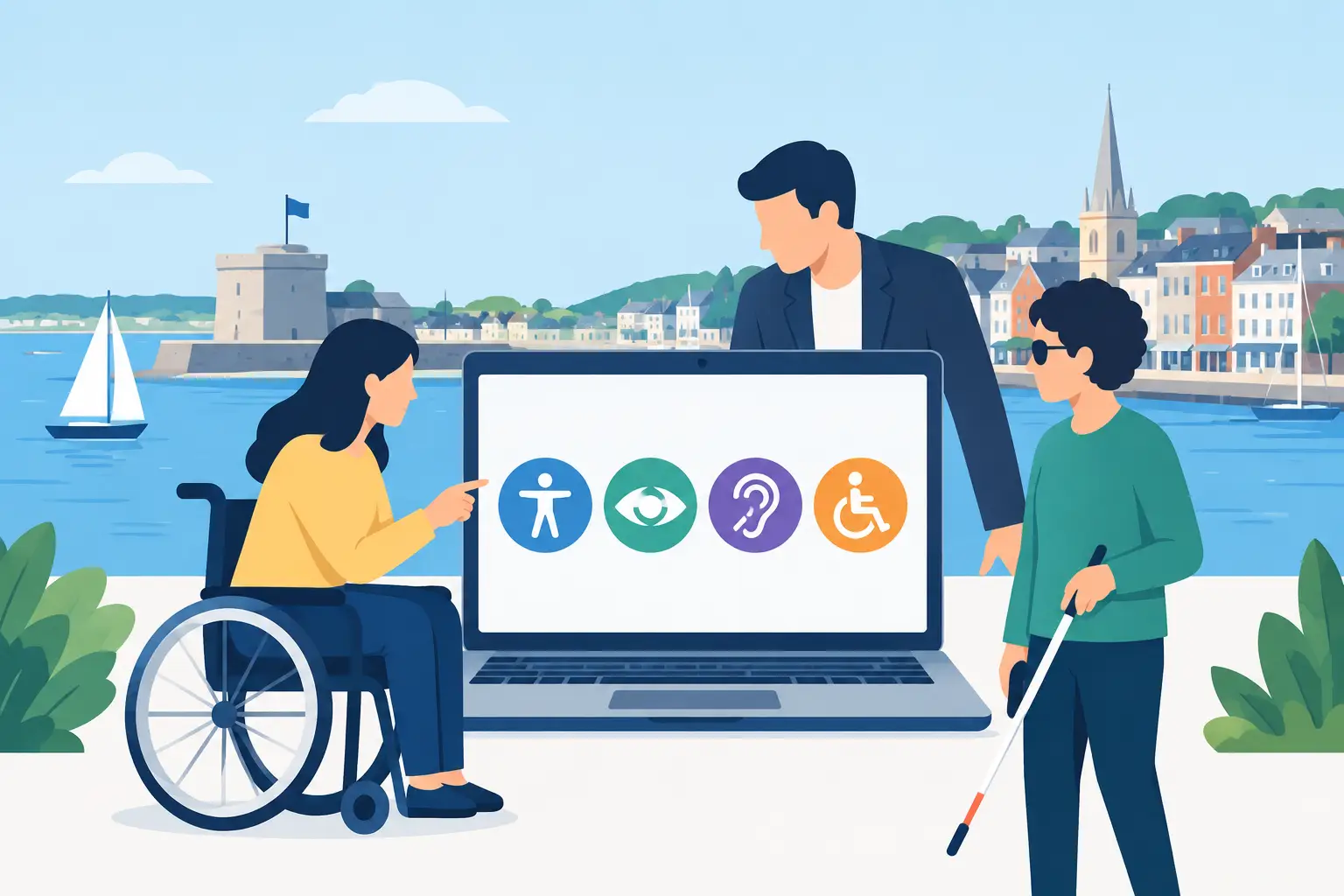
A customer finds your Fareham business on their mobile phone, but the menu cannot be used without a mouse. Another wants to call, yet the telephone number is embedded in an image that their screen reader cannot interpret. These are everyday website accessibility issues, and they can quietly cost enquiries, bookings and trust.
Accessibility is not an optional extra reserved for large organisations. For a local tradesperson, shop, charity, professional service or growing startup, it is part of creating a website that people can actually use. A clearer, more usable site also tends to look more professional, perform better on mobile devices and make it easier for visitors to take the next step.
What website accessibility means in practice
Website accessibility means designing and building a site so that people with a wide range of abilities can access its content and complete important tasks. This includes people who are blind or partially sighted, deaf or hard of hearing, have limited mobility, use assistive technology, experience cognitive differences, or simply encounter temporary barriers such as a broken arm, poor mobile signal or bright sunlight.
For a small business website, the practical question is straightforward: can a visitor find what they need, understand it and contact or buy from you without unnecessary difficulty?
That applies to the basics. Text should be readable. Buttons should be clear. Forms should make sense. Images should have useful descriptions where they convey information. A visitor should be able to move around the website using a keyboard, not only a mouse or touchscreen.
The goal is not to make every website look identical or remove personality from your branding. Good accessibility works alongside distinctive colours, strong imagery and a tailored design. It simply avoids choices that exclude part of your audience.
Why accessible websites make commercial sense
An inaccessible website can create friction at the exact moment someone is deciding whether to contact you. If a form has unclear error messages, a booking button has poor contrast, or the page jumps around when text is enlarged, a prospective customer may leave and choose another provider.
For businesses in Fareham and across Hampshire, local competition is often only one search result away. An accessible site helps you present your business as organised, considerate and easy to deal with. That matters whether you are asking someone to request a quote, book an appointment, visit your premises or purchase online.
There are wider benefits too. Clear headings, meaningful page titles, logical navigation and well-structured content help search engines understand a website. Mobile users benefit from larger tap targets and simpler layouts. Older customers may find readable type and good contrast particularly helpful. Accessibility improvements often support usability for nearly everyone.
There is also a legal consideration. UK equality law can apply to websites where disabled people are placed at a substantial disadvantage compared with non-disabled people. Public sector bodies have specific accessibility duties, but commercial organisations should not assume the issue does not affect them. The right standard and level of work depend on the type of organisation, its audience and what the website allows users to do. For most businesses, the sensible approach is to address clear barriers early rather than wait for a complaint.
The areas that deserve attention first
A full accessibility review can be detailed, especially for a large website or e-commerce platform. However, a small business can make meaningful progress by concentrating on the pages and actions that matter most: the homepage, key service pages, contact page, booking journey and checkout where relevant.
Colour and readable content
Brand colours can be retained, but there must be enough contrast between text and its background. Pale grey text, thin fonts and text placed over busy photographs may look stylish on a designer’s large monitor but become difficult to read on a mobile screen.
Avoid relying on colour alone to communicate meaning. For example, a form error should not be identified only by a red outline. It should also explain what needs correcting in clear words. Likewise, a sale item or availability status needs a label, icon or supporting text rather than colour alone.
Readable content matters just as much as visual design. Use plain language, short paragraphs and descriptive headings. A heading such as “Commercial roofing services in Fareham” is more useful than “What we do”. It helps visitors scan the page and tells them they are in the right place.
Navigation, buttons and keyboard use
Visitors should be able to reach every important page and control without becoming lost. Menus need clear labels, and buttons should say what they do. “Request a free quote” is more helpful than “Click here”.
Keyboard access is often overlooked. Some people navigate with the Tab key, arrow keys and Enter rather than a mouse. They need to see where they are on the page and be able to open menus, submit forms and close pop-ups. Decorative effects that interfere with this can turn a polished website into a frustrating one.
Motion also needs care. Auto-playing sliders, videos and animated elements can distract visitors or cause discomfort. Movement should have a genuine purpose, and users should be able to pause content that starts automatically.
Images, video and documents
Images need appropriate alternative text when they add information. A photograph of a completed kitchen installation might be described as “Modern white kitchen fitted in Fareham”. That gives context to a visitor who cannot see the image. Purely decorative images generally do not need lengthy descriptions.
For video, captions are valuable for people who are deaf or hard of hearing, as well as anyone watching without sound. If a video explains essential information, make sure that information is also available in text. Documents such as price lists, menus and application forms need the same attention. A scanned PDF that is impossible to search, enlarge or read with assistive software creates a barrier, even if the webpage itself is well designed.
Forms and contact details
A contact form is often one of the most commercially important elements on a business website. Every field should have a visible label, required fields should be obvious, and error messages should tell the visitor exactly what to do next. Asking for only the information you genuinely need also makes the form less intimidating.
Do not make a form the only way to get in touch. Display a telephone number, email address and, where relevant, opening hours or a business address as text rather than placing them inside an image. This supports visitors using screen readers and makes contacting you easier from a mobile device.
A practical website accessibility check
You do not need specialist technical knowledge to spot several common problems. Review your own site as a customer would, preferably on both a laptop and a phone. Check these areas first:
- Can you read all text comfortably, including text over images and in the footer?
- Does each main page have a clear heading that explains its purpose?
- Can you use the Tab key to move through menus, buttons and forms in a sensible order?
- Do buttons and links explain where they lead or what action they take?
- Can a visitor contact you without completing a complicated form?
- Are videos captioned and are important image or document details available as text?
Automated checking tools can identify issues such as missing image descriptions, weak colour contrast and incorrectly structured headings. They are useful starting points, not final answers. A tool cannot always judge whether a label is genuinely clear, whether a page is confusing or whether a customer can complete a real-world task. Human testing remains essential.
Building accessibility into a WordPress website
WordPress can support accessible websites very effectively, but the platform alone does not guarantee a good result. The theme, page builder, plug-ins, written content and ongoing updates all influence the experience.
This is why accessibility is best considered at the design stage. Decisions about heading structure, brand colours, navigation, forms and content templates are easier to make before a site is filled with pages. Retrofitting an older website can still be worthwhile, but it may require more time if the existing theme or page builder produces poor code or limits useful changes.
For a simple brochure website, the priority may be a clean structure, readable service pages and an easy contact route. For e-commerce, additional attention is needed for product filters, basket controls, payment fields and account areas. A feature that looks impressive is not automatically the right choice if it makes buying harder for part of your audience.
At Jawbone Media, accessible thinking can be built into a custom WordPress project alongside responsive design, hosting, maintenance and practical marketing guidance. The aim is a website that reflects your business well and remains straightforward for customers to use after launch.
Accessibility is an ongoing responsibility
A website changes over time. New services are added, staff upload images, plug-ins are updated and promotions introduce fresh landing pages. Without a simple process, accessibility standards can slip gradually.
Keep it manageable by checking new content before it is published. Use proper headings rather than bold text as a substitute, write meaningful link text, add descriptions to informative images and test forms after changes. Schedule a wider review when you redesign the site, add online booking or launch an e-commerce function.
The most useful question is not whether your website can pass a technical test in isolation. Ask whether a real person, using their own device and preferred way of browsing, can understand your offer and act on it. If the answer is yes, you are building a stronger welcome for every potential customer.
Leave a Reply