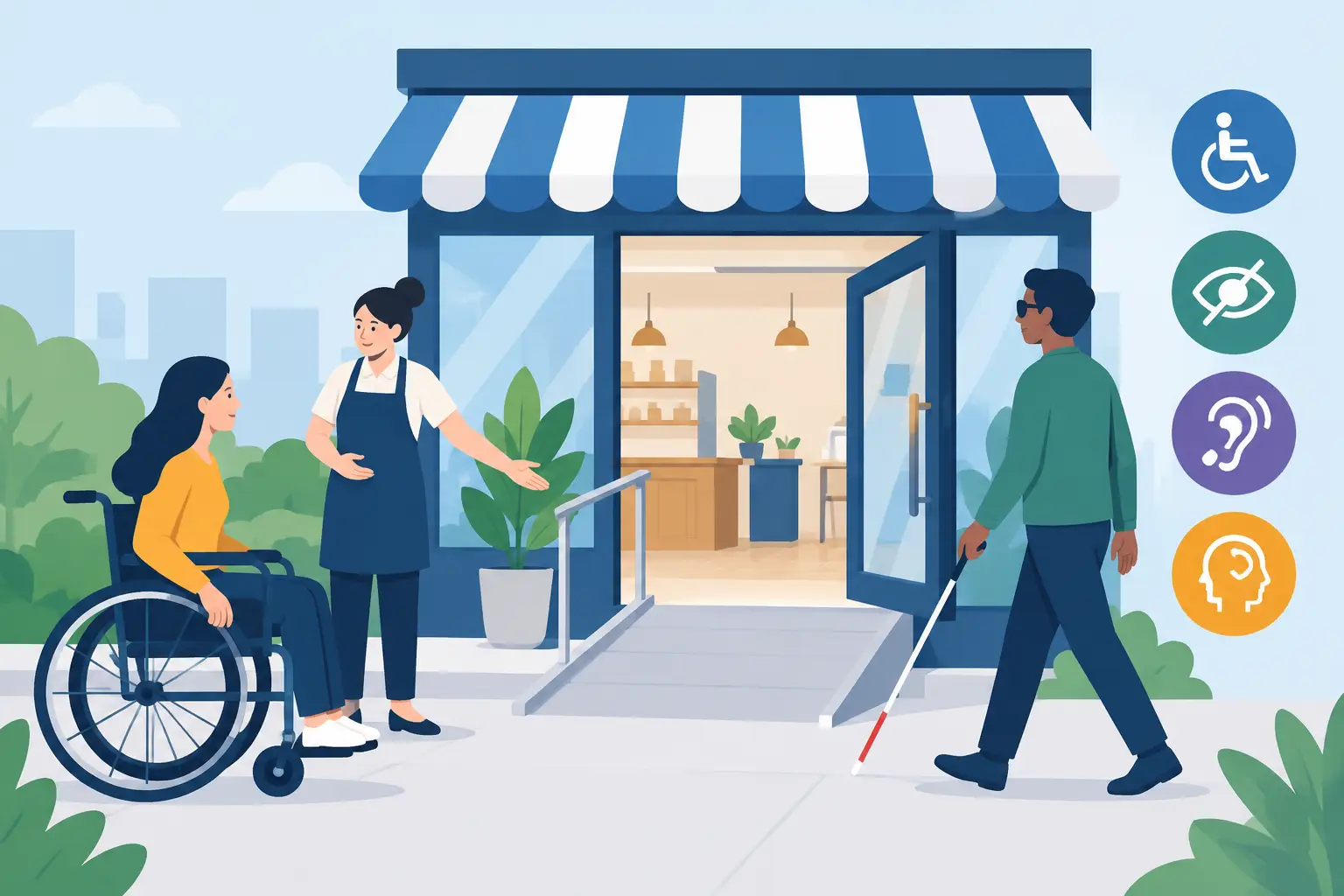
A customer who cannot read your text, use your contact form or complete a purchase on their phone is not a technical edge case. They are a potential enquiry lost to a competitor. This accessibility compliance guide explains what practical website accessibility looks like for small businesses in Fareham and across Hampshire, and how to improve it without turning a website project into a legal maze.
For most businesses, the goal is straightforward: create a website that more people can understand, navigate and use independently. That improves customer experience, strengthens credibility and can make your site easier for search engines to interpret too.
What accessibility compliance means in practice
Website accessibility is the process of removing barriers for people with disabilities. This can include visitors who use a screen reader, navigate with a keyboard rather than a mouse, need larger text, are colour-blind, have limited dexterity, or find busy layouts and unclear language difficult to process.
In the UK, the Equality Act 2010 places duties on service providers not to discriminate against disabled people. A commercial website may form part of the service you provide, particularly when customers use it to find information, make an enquiry, book an appointment or buy a product. Public sector bodies have additional, specific accessibility regulations, but private businesses should not assume accessibility is irrelevant simply because they are not a council or school.
The Web Content Accessibility Guidelines, usually called WCAG, are the most widely used technical benchmark. They are organised around four principles: content should be perceivable, operable, understandable and robust enough to work with different assistive technologies. For many small business sites, working towards WCAG 2.2 AA is a sensible target. It is a useful standard, rather than a promise that every possible user need can be solved by one checklist.
Why an accessible website supports commercial goals
Accessibility is often discussed as a compliance issue, but its business value is more immediate. Clear headings help a screen reader user scan a page, and they also help a busy customer find your services. Adequate colour contrast helps someone with low vision, while making text easier to read outdoors on a bright phone screen. A properly labelled form supports assistive technology and reduces the chance that anyone abandons an enquiry halfway through.
For a local electrician, therapist, tradesperson or independent retailer, small improvements can have a real effect. If your telephone number is visible, your services are described plainly, and your booking or contact route works on mobile, customers are more likely to get in touch.
There is also a credibility benefit. A dated site with tiny text, broken keyboard controls and vague buttons can make a capable business appear careless. An accessible, responsive website gives visitors more confidence that you will be straightforward to deal with.
Accessibility compliance guide: the highest-value checks
A full audit can be useful for a large organisation or a complicated e-commerce platform. For a typical brochure website, begin with the areas that affect everyday customer journeys.
Make content readable before making it clever
Use a clear heading structure. Each page should have one main subject, with headings that divide the content into logical sections. Do not choose a heading simply because it looks visually appealing. A web designer can style a proper heading to suit your brand without losing its meaning for assistive software.
Keep body text at a comfortable size and avoid placing important information in images. If your opening hours, prices or service areas only appear in a graphic, they may be difficult to enlarge, translate, copy or read with a screen reader.
Plain language matters as well. Specialist businesses do not need to oversimplify their expertise, but pages should explain what you do before using industry terminology. “Commercial boiler servicing in Fareham” is clearer than a broad slogan with no practical detail.
Check colour, contrast and visual cues
Text needs enough contrast against its background. Pale grey text on white may fit a modern design trend, but it can be difficult to read for many visitors. The same applies to text placed over photographs, where a change in screen size can put words over a light part of the image.
Do not rely on colour alone to communicate a message. A red border around a required field is not enough if the visitor cannot distinguish the colour. Add a clear written message, such as “Please enter your postcode”, close to the field that needs attention.
Brand colours can usually remain part of the design. The answer is often to adjust shades, text placement or button treatments rather than abandon your visual identity. Accessibility involves considered design choices, not a one-size-fits-all appearance.
Ensure the site works without a mouse
Many visitors use a keyboard to move through a website. Pressing the Tab key should move through navigation links, buttons and form fields in a sensible order. The selected item should have a visible focus indicator, so users can see where they are on the page.
Menus, pop-ups, image galleries and booking widgets need particular care. A stylish animated menu that cannot be opened or closed from a keyboard creates a barrier, however good it looks. Third-party tools can be the weak point in an otherwise well-built website, so test them before launch and after major updates.
Give images and forms useful labels
Images that add meaning need alternative text, often called alt text. This is a short description read aloud by screen readers when the image is relevant to the content. A photograph of your team might be described as “The Fareham plumbing team outside a customer property”. Decorative background images usually do not need a description.
Forms need visible labels, not just placeholder text that disappears when a visitor starts typing. Error messages should explain what went wrong and how to fix it. If a form says “Invalid entry”, the user has no useful next step. If it says “Enter a valid email address, such as name@example.co.uk”, the path is clear.
A sensible process for improving an existing website
Start with your most valuable pages: the home page, service pages, contact page, booking journey and checkout if you sell online. Test these on a mobile phone as well as a desktop computer. Use only the keyboard for a few minutes and try completing your own enquiry form. You will often find practical issues quickly.
Next, review templates rather than correcting the same problem page by page. If every page uses low-contrast buttons or an unclear navigation layout, fixing the site-wide component is more efficient and keeps the experience consistent.
Then assess content as part of normal maintenance. New pages, PDF downloads, promotional banners and embedded videos can introduce fresh barriers. Add captions to important video content, use descriptive document titles and avoid uploading scanned PDFs when a proper web page would be easier to read.
Automated accessibility tools are useful for finding issues such as missing alt text, empty links and contrast failures. They cannot judge whether your wording makes sense, whether an alt description is meaningful or whether a customer can complete a booking journey. Combine tool-based checks with human testing.
Common mistakes that create unnecessary risk
An accessibility statement on its own does not make a website accessible. It can explain your approach and provide an alternative contact method, but it should never replace fixing known problems.
Another common mistake is treating accessibility as a single launch task. WordPress themes, plugins and browsers change. A plugin update can affect a form, menu or checkout process, which is why ongoing website maintenance matters.
Finally, be careful with overlays that claim to make any website compliant at the touch of a button. These tools may offer a few useful visitor controls, but they cannot repair poor code, confusing content or inaccessible third-party features. They should not be treated as a substitute for sound design and development.
When professional support is worthwhile
A simple website may only need a focused review and a few design adjustments. More involved support is worthwhile when your site has e-commerce functions, member areas, appointment systems, complex forms, large document libraries or a public-sector obligation. The right level of work depends on how customers use your site and the potential impact if they cannot complete key tasks.
For Fareham businesses, a well-planned WordPress build makes accessibility easier to manage from the outset. Jawbone Media can incorporate mobile-ready layouts, clear content structures and maintainable website features into a custom project, rather than leaving accessibility as an afterthought once the site is live.
A better website does not need to become complicated to be accessible. Start with the route your customers take to understand your offer and contact you, then remove the obstacles in their way. That is good service online, and it is a practical standard worth maintaining.
Leave a Reply