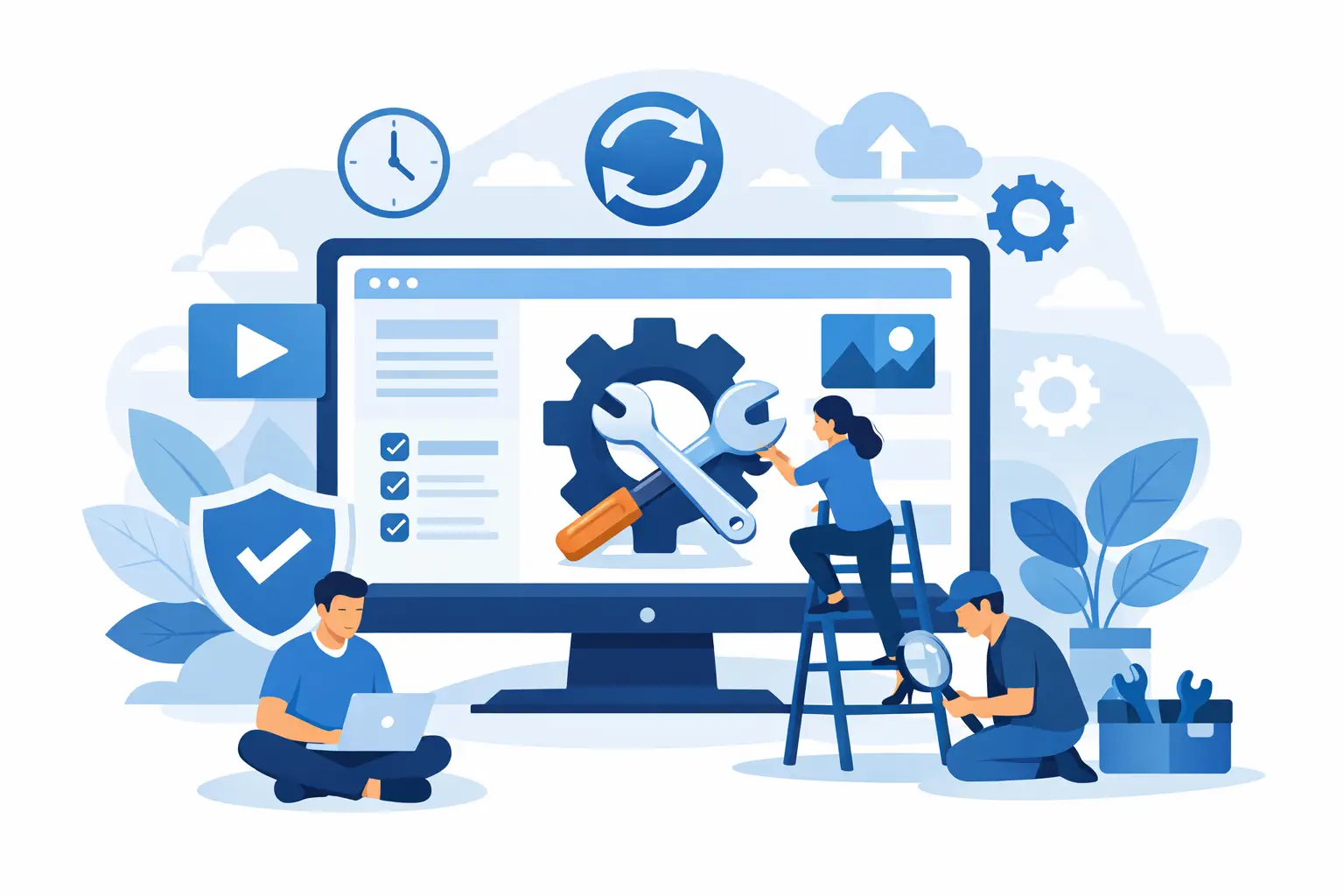
A website rarely fails at a convenient time. It may be a contact form that stops sending enquiries, an outdated plugin that causes errors, or a slow page that puts off a customer searching on their phone. WordPress website maintenance services reduce those risks by keeping the practical parts of your site checked, updated and supported after it goes live.
For a Fareham business, your website is often the first point of contact with a new customer. It needs to look professional, load reliably and give people a clear way to get in touch. Maintenance is what helps protect that investment between redesigns.
What website maintenance actually covers
Website maintenance is not simply pressing an update button once in a while. A well-managed WordPress site relies on several connected systems: the WordPress core software, its theme, plugins, web hosting, security settings, forms, email delivery and backups. Each needs attention at the right time.
Updates are a major part of the work. WordPress, themes and plugins are regularly improved to fix faults, close security issues and remain compatible with newer technology. However, updating everything without checking can create problems of its own. A plugin may conflict with your theme, alter a page layout or disrupt an online shop. The sensible approach is to make a backup first, apply suitable updates, then test the key parts of the website.
A maintenance service should also monitor the details that business owners should not have to chase. That can include broken pages, expired software licences, suspicious activity, poor performance, failed contact forms and whether backups are completing properly. The exact level of support depends on the site, but the purpose stays the same: keep your online presence dependable.
Why WordPress website maintenance services matter
WordPress is a flexible platform used by businesses of every size. That flexibility is a strength, particularly when you need a site with booking tools, image galleries, ecommerce, member areas or tailored enquiry forms. It also means the website has moving parts that need looking after.
Leaving a site untouched for months can lead to avoidable issues. An old plugin can become a security weakness. A hosting setting can change and affect email or forms. A browser update may expose a display issue that was not obvious before. Even a site that appears fine on a desktop can develop a poor mobile experience, where many local customers will first find it.
There is a commercial reason to stay on top of maintenance too. If a prospective customer cannot load your services page, complete a form or trust the look of the site, they may simply contact the next business in the search results. Regular care supports credibility and helps ensure your marketing, search visibility and paid advertising are not sending visitors to a neglected website.
The essential work behind a healthy site
Security updates and careful testing
Security is not one setting that can be switched on and forgotten. It is a routine of keeping software current, using sensible access controls and watching for signs that something is wrong. For small businesses, the risk is not only lost data. A compromised site can display spam, redirect visitors elsewhere or harm the confidence customers have in your brand.
Updates should be handled carefully, especially on a site with bespoke functionality or an online shop. Applying a patch quickly may be appropriate for a straightforward brochure website. A more complex website may need updates tested in a safer environment first. Good maintenance balances speed with caution rather than treating every site in exactly the same way.
Backups that can be restored
A backup only offers reassurance if it is current, stored safely and capable of being restored. This is one of the most overlooked parts of website ownership. Businesses often assume their hosting package covers everything, only to find that recovery options are limited when an issue occurs.
A proper backup plan considers both website files and the database, which holds content, settings, orders and form entries. How frequently backups are needed depends on how often the site changes. A simple local service website may be well served by scheduled backups, while an ecommerce site taking daily orders needs more frequent protection.
Performance and uptime checks
Slow websites lose patience quickly. Large unoptimised images, outdated plugins, weak hosting resources and unnecessary code can all affect load times. Maintenance provides an opportunity to spot these issues before they become a regular frustration for visitors.
Performance work is not always about chasing a perfect score from a testing tool. The practical question is whether customers can reach the information they need quickly on their phone, tablet or computer. A fast, stable website helps visitors find your phone number, understand your services and send an enquiry without friction.
Form, email and checkout testing
A contact form is not useful if its messages never reach your inbox. This can happen because of spam controls, server changes, email authentication settings or plugin updates. It is particularly costly because the business may not notice missed leads until much later.
Routine checks should cover the functions that matter most to your business. For a tradesperson, that may be the enquiry form and click-to-call button. For a consultant, it may be booking requests. For an ecommerce business, it includes product pages, basket functions, payment steps and confirmation emails. Maintenance should follow the customer journey, not just the technical checklist.
Maintenance is different from making regular content changes
Maintenance and content updates are related but not identical. Maintenance keeps the website technically secure, functional and supported. Content work changes what customers see, such as adding a new service, updating staff details, posting news, replacing photographs or refreshing prices.
Most growing businesses need both. A website that is technically healthy but has old opening hours is still unhelpful. Equally, frequent content changes will not protect a website from outdated software or a failed backup. When choosing support, ask what is included as standard and what is treated as additional website work. Clear boundaries prevent surprises and make it easier to budget.
Choosing the right level of support
There is no single maintenance plan that suits every Fareham business. A five-page website for a local accountant has different requirements from a busy online retailer or an organisation with several staff members updating content.
A straightforward site may need regular updates, backups, security checks and a route to practical support when something changes. A larger site may need closer monitoring, priority response, ecommerce checks and planned time for ongoing improvements. The key is to choose a service based on what would happen if the website stopped working, rather than choosing purely on the lowest monthly or annual figure.
Before agreeing to a plan, get clear answers on update frequency, backup arrangements, what is monitored, how faults are reported and whether urgent issues are covered. It is also worth checking who owns the domain, hosting account and website content. A good provider makes these essentials understandable without burying them in technical jargon.
A local partner makes website support simpler
When you run a business, you should be able to explain a website issue in plain language and receive a useful response. You should not need to identify the plugin involved, interpret error logs or spend an afternoon searching support forums.
Jawbone Media provides practical ongoing support alongside WordPress design and hosting for businesses in Fareham and the surrounding Hampshire area. That joined-up approach matters because the people maintaining the website understand how it was built, where it is hosted and what it is meant to achieve. It also gives business owners one clear point of contact for the essentials, from domains and branded email through to website updates and technical care.
Questions business owners often ask
How often should a WordPress website be maintained?
Most business websites need regular attention, not an annual catch-up. Core, plugin and security updates can arise throughout the year, while backups and basic checks should run on an agreed schedule. Sites with ecommerce, bookings or frequent customer activity generally need more frequent monitoring than a simple brochure site.
Can I maintain my own WordPress website?
You can, particularly if you are comfortable managing updates, backups and troubleshooting. The trade-off is time and responsibility. If an update causes a problem or a form stops working, you need to know how to diagnose and resolve it. Many owners prefer professional support so they can focus on customers and day-to-day operations.
Does maintenance improve search engine visibility?
Maintenance is not a substitute for search-engine optimisation, new content or a clear local marketing strategy. It does support the foundations: a secure, mobile-friendly, accessible and reliable site gives visitors a better experience and avoids technical problems that can undermine visibility over time.
Your website does not need constant reinvention to remain valuable. It needs consistent care, sensible improvements and someone ready to act when a technical issue threatens an enquiry. That is how a professional website continues to represent your business well long after launch.
Leave a Reply